
Technology
The Technology Upgrades People Make When They Want Faster Devices Without Buying New Ones
Have you ever wondered whether your slow device actually needs replacing, or simply needs a few strategic improvements?

At a glance
What you will learn
5 things to know- Slow does not always mean worn out.Performance often fades as software grows more demanding, storage fills up and background processes compete.
- Storage is often the biggest win.Faster solid-state storage cuts waiting at startup, during launches and when opening files.
- Memory handles modern multitasking.More RAM keeps information ready instead of reaching for slower storage.
- Batteries, cooling and connections count.Each can make a capable device feel older than it is.
- Match the upgrade to real use.Weigh the cost against the device's remaining value and expected lifespan.
Have you ever wondered whether your slow device actually needs replacing, or simply needs a few strategic improvements? As technology prices continue to rise, many people are looking for ways to extend the life of the computers, tablets, and other devices they already own. In many cases, targeted upgrades can restore responsiveness, improve productivity, and delay a major purchase while delivering meaningful performance gains.
Stop 1 of 8
Why replacement is no longer the first option
A growing number of consumers are discovering that aging technology is not always limited by its processor or original design. More often, performance issues emerge gradually as software becomes more demanding, storage fills up, and background processes compete for resources.
What once felt fast can begin to feel sluggish despite remaining fully functional.
The economics of technology ownership have also changed. Premium laptops, desktops, and mobile devices can represent significant investments, encouraging owners to explore alternatives before committing to a replacement. Repair shops, upgrade services, and aftermarket components have made it easier than ever to improve performance without starting over.
Many users find that carefully selected upgrades provide enough improvement to support everyday tasks for several additional years. For households and businesses alike, extending device lifespan can translate into substantial savings while reducing unnecessary electronic waste.

Route map
From the slowdown you notice to the stop worth trying
- Often the biggest improvement
- Other stops on this route
Stop 2 of 8
Storage upgrades often deliver the biggest improvement
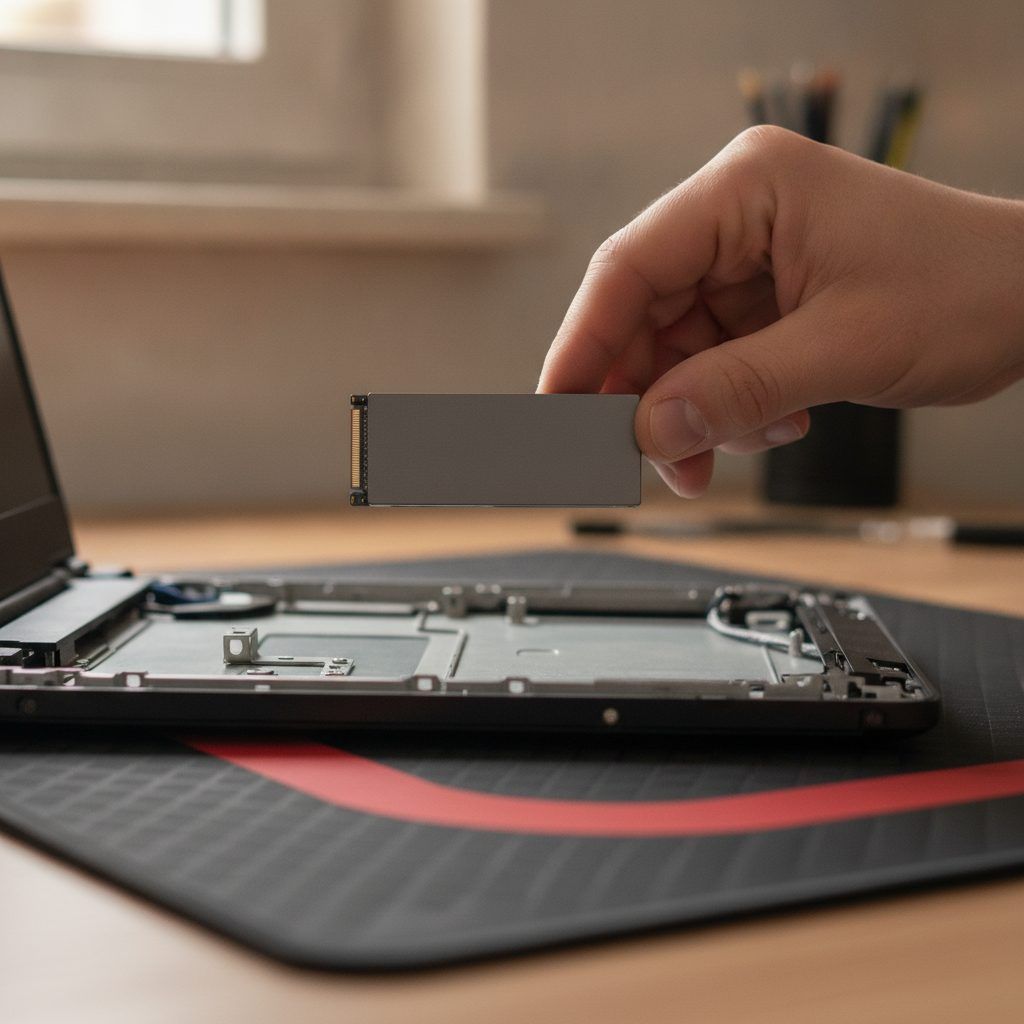
When people describe a device as feeling slow, storage performance is frequently a major factor. Older hard drives and nearly full storage systems can create delays during startup, file access, software launches, and routine multitasking.
Replacing traditional storage with faster solid-state technology remains one of the most impactful upgrades available. Faster read and write speeds reduce waiting times and help systems respond more quickly to everyday commands.
Performance improvements users commonly notice
Quicker application launches
Reduced file transfer delays
Improved multitasking responsiveness
Shorter software installation times
Stop 3 of 8
Memory expansion helps devices handle modern workloads

As software evolves, memory requirements often increase. Devices that once performed well with modest amounts of RAM may struggle when multiple browser tabs, productivity applications, streaming services, and communication tools run simultaneously.
Memory upgrades allow systems to keep more information readily available instead of constantly accessing slower storage. This can create a smoother experience during everyday use and reduce frustrating slowdowns that occur when resources become constrained.
The value of memory upgrades is particularly noticeable for people who regularly switch between applications, participate in video meetings, edit media files, or manage complex spreadsheets.
Stop 4 of 8
Software optimization remains an overlooked upgrade
Not every performance improvement requires new hardware. Over time, operating systems accumulate temporary files, startup programs, outdated applications, and background services that consume valuable resources.
Professional optimization services and built-in maintenance tools can help identify inefficiencies that contribute to poor performance.
Before you go
Common areas where optimization helps
5 items
Stop 5 of 8
Battery replacements can restore mobile productivity
Performance is not always measured solely by processing speed. For laptops, tablets, and smartphones, battery health plays an important role in the overall user experience.
As batteries age, devices may require frequent charging, experience unexpected shutdowns, or operate under power-management restrictions designed to preserve battery life.
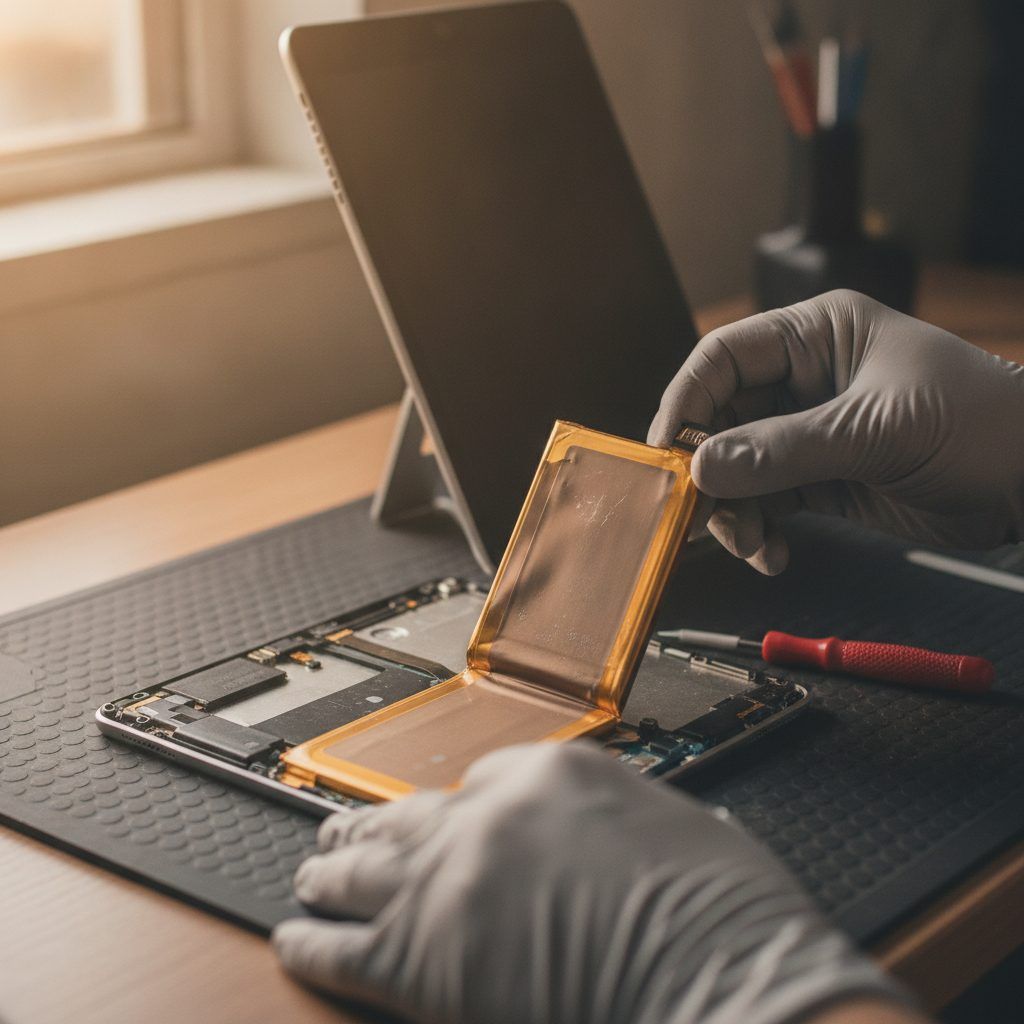
Replacing an aging battery often restores portability and usability while postponing the need for a full replacement.
For many users, improved battery life creates a more meaningful day-to-day benefit than a modest increase in processing power.
Stop 6 of 8
Cooling improvements can unlock consistent performance
Heat remains one of the most common causes of declining device performance. Dust buildup, aging thermal materials, and restricted airflow can cause processors to reduce their operating speeds in order to prevent overheating.
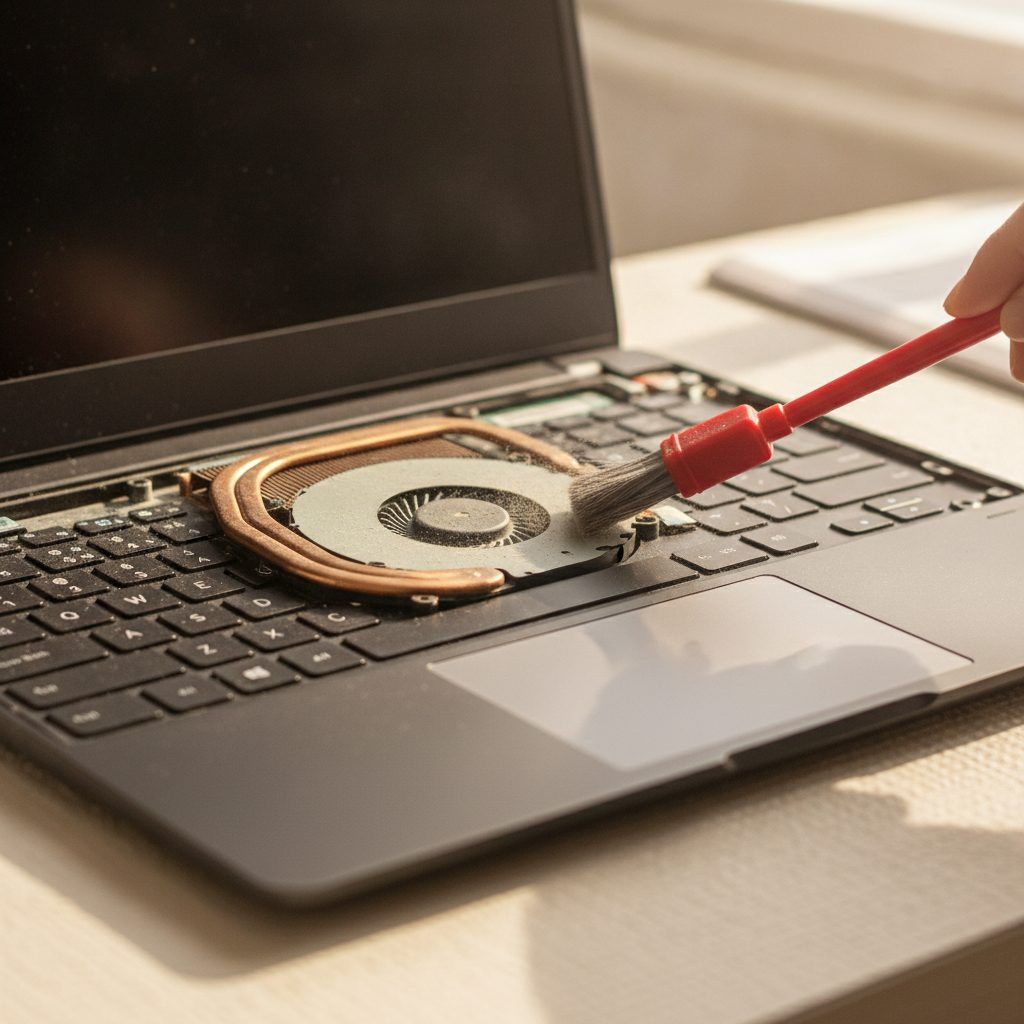
Cleaning internal components and improving cooling efficiency can help systems maintain higher performance levels for longer periods. These upgrades are especially valuable for devices used for gaming, content creation, engineering software, or other resource-intensive workloads.
Maintenance actions that often improve thermal performance
- Internal dust removal
- Fan replacement
- Thermal paste renewal
- Ventilation improvements
- Cooling accessory installation
Stop 7 of 8
Connectivity upgrades improve everyday efficiency
Modern workflows increasingly depend on fast connections between devices, networks, and peripherals.
Older wireless standards and outdated networking equipment can create bottlenecks that users mistakenly attribute to device performance.
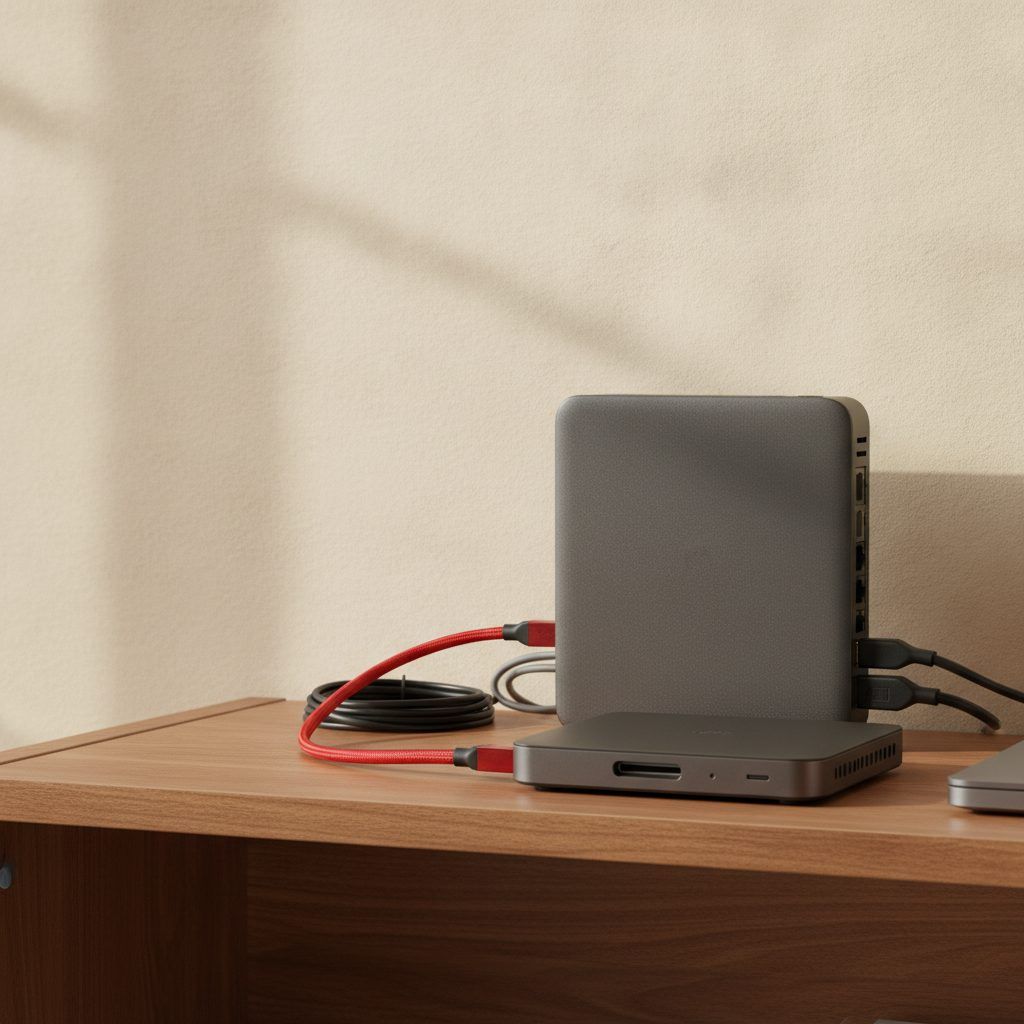
Upgrading network adapters, wireless equipment, or docking solutions can improve file transfers, cloud access, video conferencing quality, and overall workflow efficiency. While these changes may not increase processor speed, they often make technology feel significantly more capable during everyday use.
As remote work, streaming, and cloud-based applications continue to expand, connectivity upgrades have become an important part of extending the usefulness of existing hardware.
Stop 8 of 8
Choosing upgrades based on real usage patterns
The most effective upgrade strategy begins with understanding how a device is actually used. Someone focused on web browsing and office tasks may benefit most from storage and memory improvements, while creative professionals may prioritize cooling, connectivity, or specialized hardware enhancements.
Decision path
Start with how the device is used
Upgrade costs should be evaluated against the remaining value and expected lifespan of the device. In many cases, spending a fraction of the cost of a new system can provide enough performance improvement to postpone replacement for years.
Consumers increasingly have access to repair specialists, upgrade services, diagnostic tools, and compatible aftermarket components that make these decisions easier than in previous years.
| Upgrade | What it addresses | Who notices it most |
|---|---|---|
| Storage | Delays at startup, file access and launches | Devices with older hard drives or nearly full storage |
| Memory | Slowdowns when many apps run at once | People who switch apps, join video meetings, edit media or manage complex spreadsheets |
| Software optimization | Temporary files, startup programs, background services | Any device; complements hardware upgrades |
| Battery | Frequent charging, shutdowns, power-management limits | Laptop, tablet and smartphone users |
| Cooling | Processors slowing down to prevent overheating | Gaming, content creation and engineering software |
| Connectivity | Bottlenecks in networks, wireless and peripherals | Remote work, streaming and cloud-based applications |
| Summarised from the stops in this article. | ||
Destination
Giving existing technology a second life
The pursuit of faster performance no longer automatically leads to buying a new device. Strategic upgrades can often address the specific limitations responsible for slowdowns while preserving hardware that still has years of useful service remaining.
For many people, improving storage, memory, batteries, cooling, or software performance delivers a better balance of cost and value than replacing a device that simply needs a thoughtful refresh.
- Find the specific limitation behind the slowdown
- Start with storage and memory for everyday tasks
- Weigh the cost against the device's remaining value
Sources
- How-To Geek, "Why I finally made the unnecessary phone upgrade everyone told me to avoid." howtogeek.com
- Doc Phone Fix, "Tips to boost your phone's performance without upgrading." docphonefix.com
Educational only. FactAvenue explains options in plain language. It is not professional repair or purchasing advice.